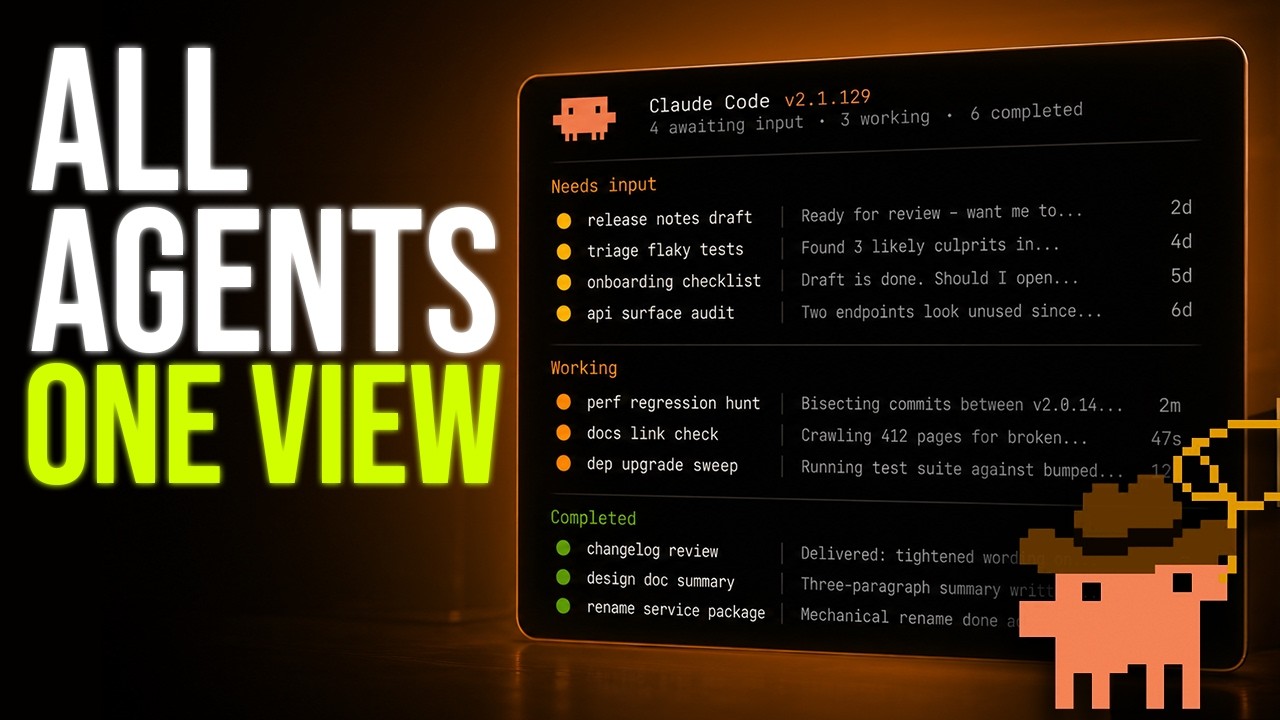
Claude Code Agent View groups your background sessions by state — Needs Input, Working, Completed — so you can see what’s running, what’s blocked on you, and what’s already opened a PR without scrolling through transcripts.
I walk through dispatching a new session, peeking and replying without attaching, backgrounding an existing session with /bg, mentioning a repo with @, and the keyboard shortcuts that make it usable. If you already run parallel Claude Code agents with worktrees, this is the missing piece.
Work with me
Rolling out AI coding workflows across a team?
I help engineering teams turn Claude Code and agent workflows into production practice.